


Using a mobile phone, play with the inspiration of fingertips
From discovering desired styles to completing personalized coloring. Let design, equipment, and creation meet in one app. Download O2NAILS APP
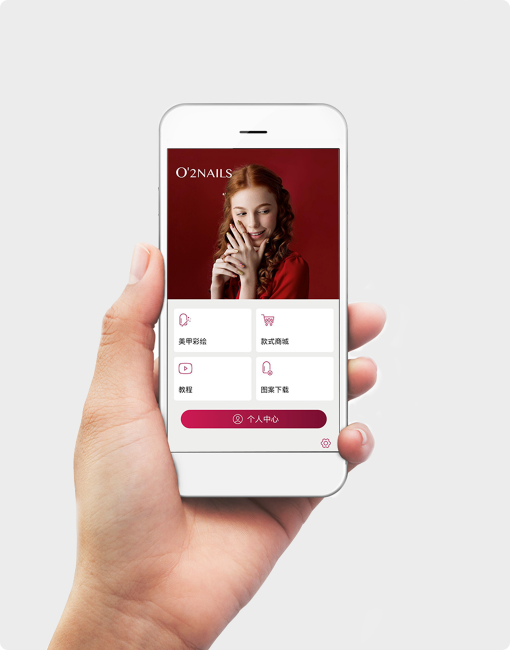
O2NAILS APP download and order

Please scan the QR code with your mobile phone and go to the official application download page. Download and installation require a network connection.
O2NAILS APP is used to connect nail art printers, browse styles, and perform painting operations.
This page is used to display the download portal and will not automatically download installation packages.
Let every painting have new choices
Browse theme series, learn about creative inspiration, and save your favorite styles on your phone.
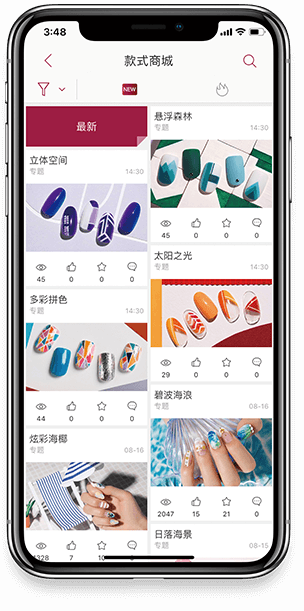
Discover desired styles
Different themes and styles allow inspiration and everyday dressing to find expression.
Continuous updates, download anytime
The professional design team continues to launch new styles, which can be browsed and downloaded in the app.
Share your nail art inspiration
The professional design team continues to launch new styles, and through the app, users can easily share their favorite styles with just one click, making nail art a way to communicate creativity. View and download.
From the screen to your fingertips, every step is more effortless
Connect the nail art machine Wi Fi, select the pattern and adjust the position. By operating the app, bring your desired designs to your fingertips.
Connect devices and apps
Enter the device network and follow the tutorial to complete the device connection.
Identify the shape of the armor and adjust the composition
Identify the shape and size of nails, adjust the position and size of patterns as needed.
Confirm the effect and start painting
Preview the color drawing effect on the screen, confirm and start printing.
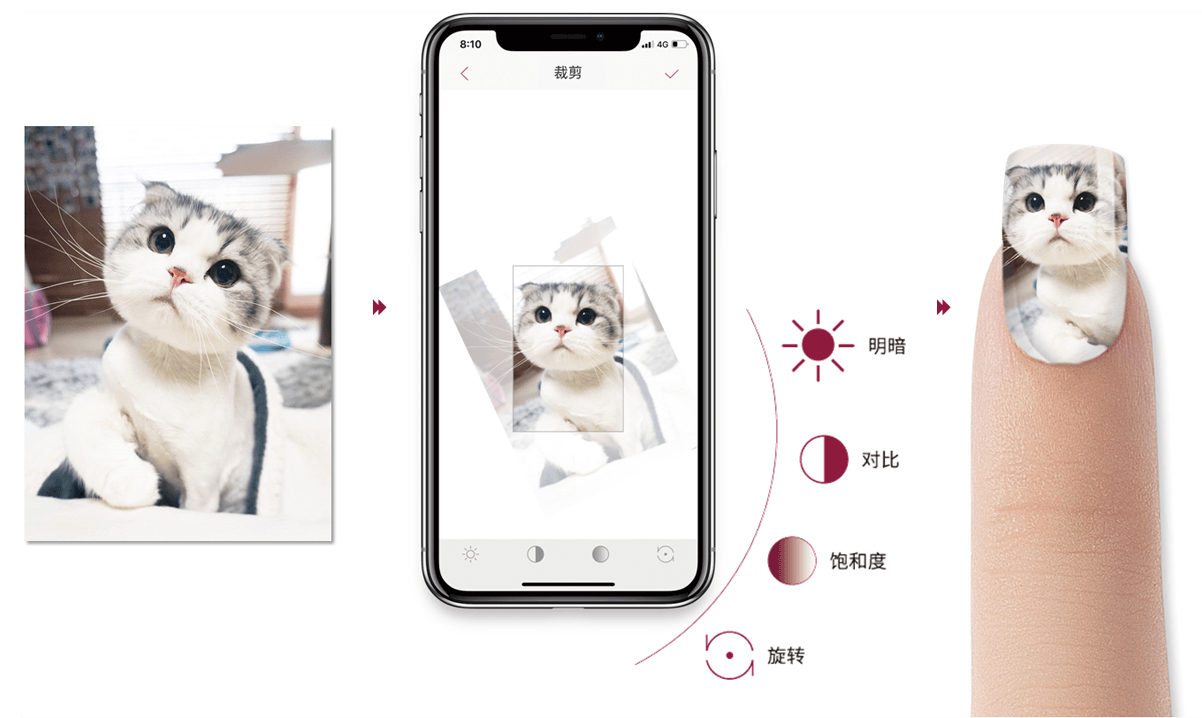
Transform your favorite photos into your own nail art patterns
Retrieve images from your phone's photo album and use the app's dedicated editing features to adjust composition and size, allowing personal creativity to be presented at your fingertips.
Import image
Select the photos or patterns you want to use from the album.
Edit and Preview
Adjust the screen and check the pattern effect before painting.
Start creating and take care of every operational detail
Follow the tutorial and start easily
Connect the device to the nail art painting and learn daily operations step by step.
Go to the instructional videoFamiliar mobile phone, convenient management
Set up printing settings, view usage counts, and switch languages within the app.
Go to the instructional videoYour next painting starts here
Scan the QR code on your phone to download the O2NAILS app, connect your device, and start the smart nail art experience.

O2NAILS APP
Go to the official download center
Scan the QR code on your phone to download
Let smart nail art enter your next service scenario
Market Cooperation: marketing@cybernail.com · Sales cooperation: sales@cybernail.com