


Applications, tutorials, and materials
Download the O2NAILS and O-Pens applications, search for usage information by product series, and go to tutorials or contact support if needed.

Installation & Connection
Understand the basic steps of app installation and device connection.
Painting operation
View style selection, armor recognition, and printing process.
Maintenance & Calibration
View instructions related to ink cartridges, cleaning, and device calibration.
Problem support
If it still cannot be resolved, contact the official after-sales team.
After downloading, follow the tutorial to start using
From installing the app, connecting devices, to nail art painting and daily maintenance, online tutorials are organized by operation tasks.
APP Download
Please scan the QR code with your mobile phone and go to the official application download page. Download and installation require a network connection.
This page is used to display the download portal and will not automatically download installation packages.
Choose the application that corresponds to your product
Scan the QR code with your phone to access the official app download page. Installation and compatibility are subject to the instructions on the download page.

O2NAILS APP
Connect the nail art machine to Wi Fi, select the style, and turn on smart painting.
Go to the official download center Scan the QR code on your phone to download
O–Pens APP
When used in conjunction with the intelligent nail glue color adjustment pen, enter the corresponding color adjustment function.
Go to the official download center Scan the QR code on your phone to download
APP Download
Please scan the QR code with your mobile phone and go to the official application download page. Download and installation require a network connection.
This page is used to display the download portal and will not automatically download installation packages.
Find the corresponding tutorial by device series
The tutorial interface takes the series as the entry point to avoid confusion in the steps and usage of different devices.
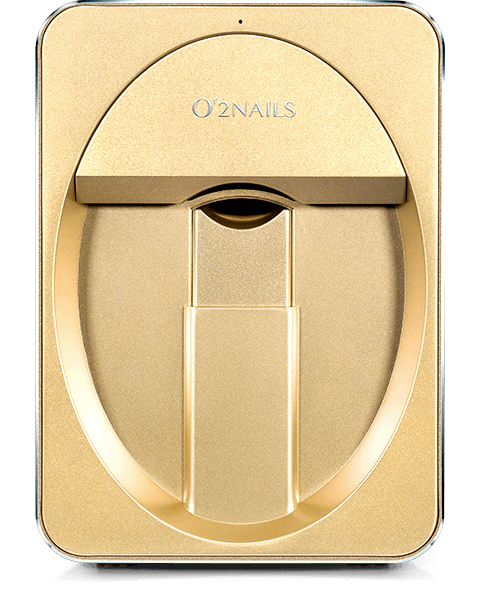
Portable nail art painting machine
View tutorials on connection, painting, and basic maintenance.
View the tutorial series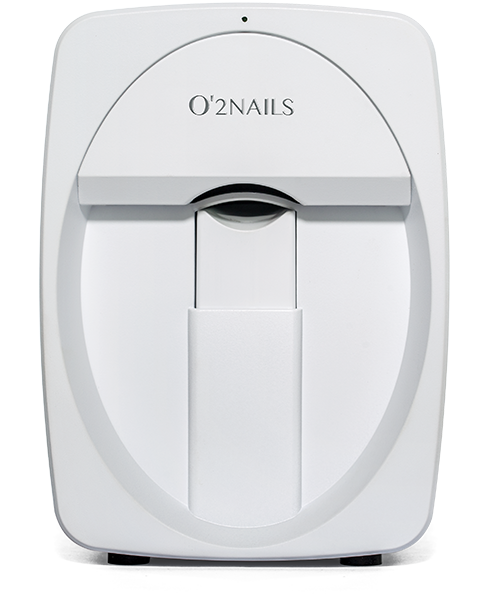
Mobile nail art painting machine
View tutorials on connection, painting, and basic maintenance.
View the tutorial seriesAPP Download
Please scan the QR code with your mobile phone and go to the official application download page. Download and installation require a network connection.
This page is used to display the download portal and will not automatically download installation packages.
Let smart nail art enter your next service scenario
Market Cooperation: marketing@cybernail.com · Sales cooperation: sales@cybernail.com