


From product selection to continuous use
Understand requirements, select configurations, learn operations, and handle problems. Make every communication clearer and support more relevant to practical use.
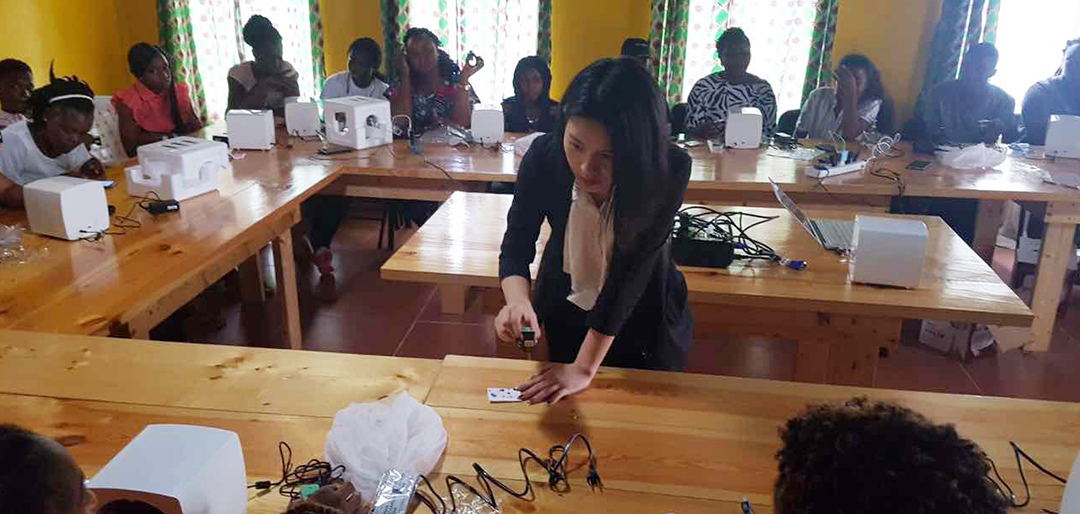
Understand the scenario first, then choose the product
Different devices and workstations are suitable for different spaces and service modes. Clear communication of requirements is the first step in forming a suitable plan.
Scenario requirements
Explain the planned location, service mode, and target users.
Product Selection
Understand portable, mobile, desktop devices and workstation solutions.
Configuration Instructions
Confirm equipment, accessories, consumables, and related support content.
Collaborative communication
The sales team will explain the cooperation content based on actual needs.
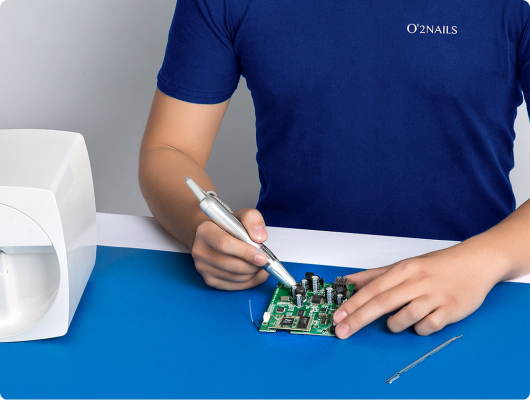
Usage Scenarios
Store, home, event or other service spaces.
Space and Method
Available area, service process, and personnel arrangement.
Focus on the key points
Equipment usage, functionality, content, or support requirements.
APP Download
Please scan the QR code with your mobile phone and go to the official application download page. Download and installation require a network connection.
This page is used to display the download portal and will not automatically download installation packages.
Three step preparation, start the first painting
After confirming the product and configuration, complete the installation, APP usage, and basic operation learning according to the actual delivery content.
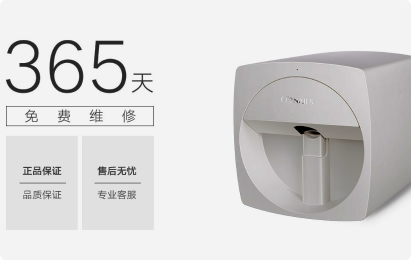
Confirm equipment and accessories
According to the actual order model, provide all necessary consumables.
Install APP and Connect
Complete the installation and device connection according to the corresponding model tutorial.
Learn basic operations
Complete the preparation of the armor surface, select the style, and confirm the position of the pattern.
APP Download
Please scan the QR code with your mobile phone and go to the official application download page. Download and installation require a network connection.
This page is used to display the download portal and will not automatically download installation packages.
Equipment issue
Explain the device model, status prompts, and steps to take when a problem occurs.
APP & Connection
Explain the phenomena that occur during the connection process of the mobile phone system and app version.
Painting effect
Provide clear effect photos for easy judgment and positioning.
Maintenance & Repair
Please provide information on consumables, cleaning or maintenance, and await further advice from the official team.
When encountering problems, describe them starting from the phenomenon
Equipment APP、 Consumables and operational issues require different information. Preparing clear problem descriptions can help support teams understand the situation more quickly.
APP Download
Please scan the QR code with your mobile phone and go to the official application download page. Download and installation require a network connection.
This page is used to display the download portal and will not automatically download installation packages.
Prepare this information to make communication clearer
Device Information
Product model, purchase information, and available device numbers.
Problem description
The time of occurrence, operation steps, and current displayed phenomenon of the problem.
Picture or video
Record the problem site in a convenient and safe manner.
Contact Information
Clarify the response channel and available contact time for continuous communication.
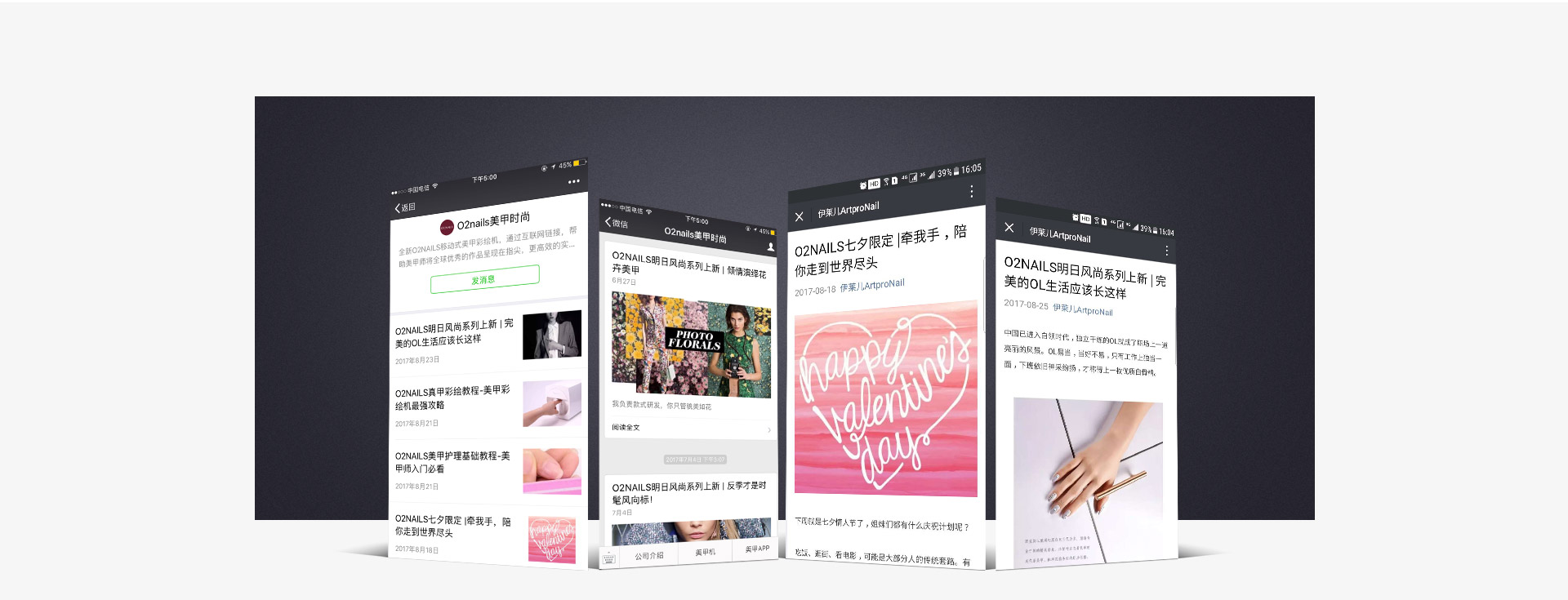
APP Download
Please scan the QR code with your mobile phone and go to the official application download page. Download and installation require a network connection.
This page is used to display the download portal and will not automatically download installation packages.
APP Download
Please scan the QR code with your mobile phone and go to the official application download page. Download and installation require a network connection.
This page is used to display the download portal and will not automatically download installation packages.
Let smart nail art enter your next service scenario
Market Cooperation: marketing@cybernail.com · Sales cooperation: sales@cybernail.com