


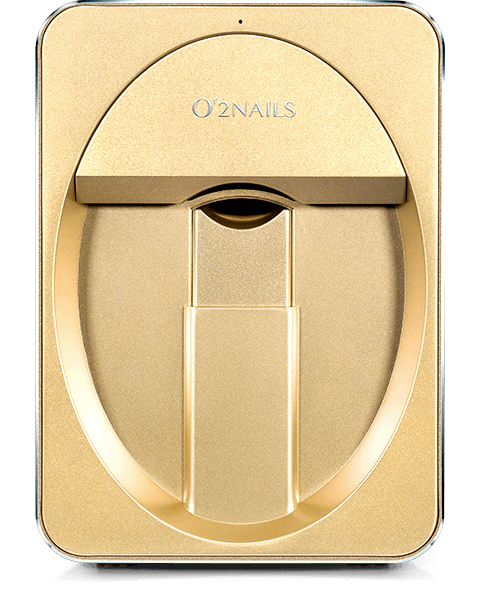
Nail art printer
便携式美甲彩绘机
便携式美甲彩绘机手机连接教程
Organize the tutorial content according to the actual operation process. Select the current task, view the corresponding steps and demonstrations, and easily start the smart nail art experience.
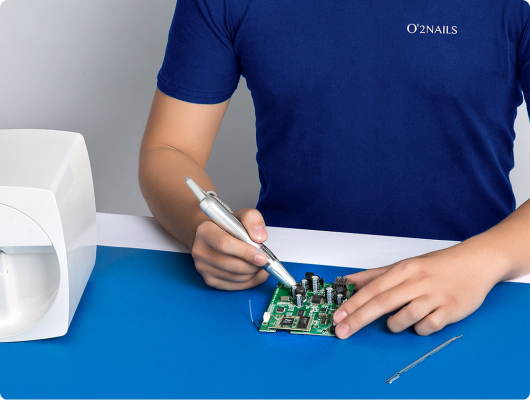
After confirming the product and configuration, complete the installation, APP usage, and basic operation learning according to the actual delivery content.
Please scan the QR code with your mobile phone and go to the official application download page. Download and installation require a network connection.
This page is used to display the download portal and will not automatically download installation packages.
Complete nail art painting step by step from nail preparation, identification and positioning to confirmation of printing. Please confirm the equipment status and consumables installation before operation.
Complete the basic treatment and preparation of painted armor surface according to the usage specifications.
Select the style in the app and enter the painting operation.
Identify the shape of the armor and adjust the position and size of the pattern.
After confirming the effect, complete the nail art painting.
Please scan the QR code with your mobile phone and go to the official application download page. Download and installation require a network connection.
This page is used to display the download portal and will not automatically download installation packages.
便携式美甲彩绘机手机连接教程
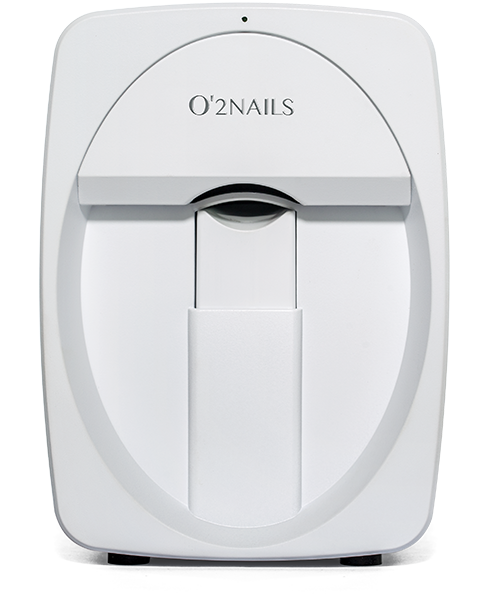
移动式美甲彩绘机 ·手机连接教程
初学者套件 BK10 · 教程简介
如何选择甲片和涂刷底胶
The official tutorial has been loaded, click play to start watching.
Please scan the QR code with your mobile phone and go to the official application download page. Download and installation require a network connection.
This page is used to display the download portal and will not automatically download installation packages.
Following the tutorial to complete ink cartridge installation, cleaning, and calibration can help keep the device in proper working condition.
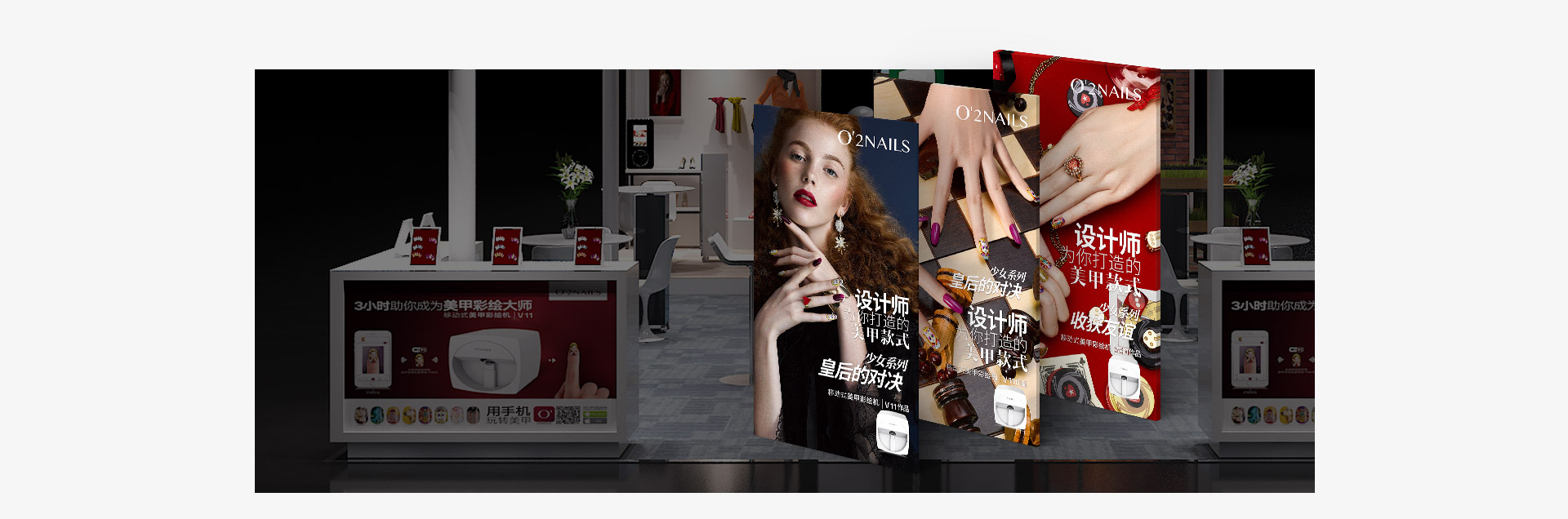
Follow the corresponding device tutorial to complete the operation and maintenance.
View related tutorials
Follow the corresponding device tutorial to complete the operation and maintenance.
View related tutorials
Follow the corresponding device tutorial to complete the operation and maintenance.
View related tutorialsPlease scan the QR code with your mobile phone and go to the official application download page. Download and installation require a network connection.
This page is used to display the download portal and will not automatically download installation packages.
Market Cooperation: marketing@cybernail.com · Sales cooperation: sales@cybernail.com
Copyright © 2011-2026 中网赢通(广州)网络科技有限公司 版权所有 Sitemap ICP:粤ICP备88888888号
中网赢通(广州)网络科技有限公司